Your Servers Are Already Telling You What's Wrong. You're hardly listening.
Learn how a read-only AIOps assistant uses AI to analyze server logs, detect issues, and simplify on-premise infrastructure monitoring.
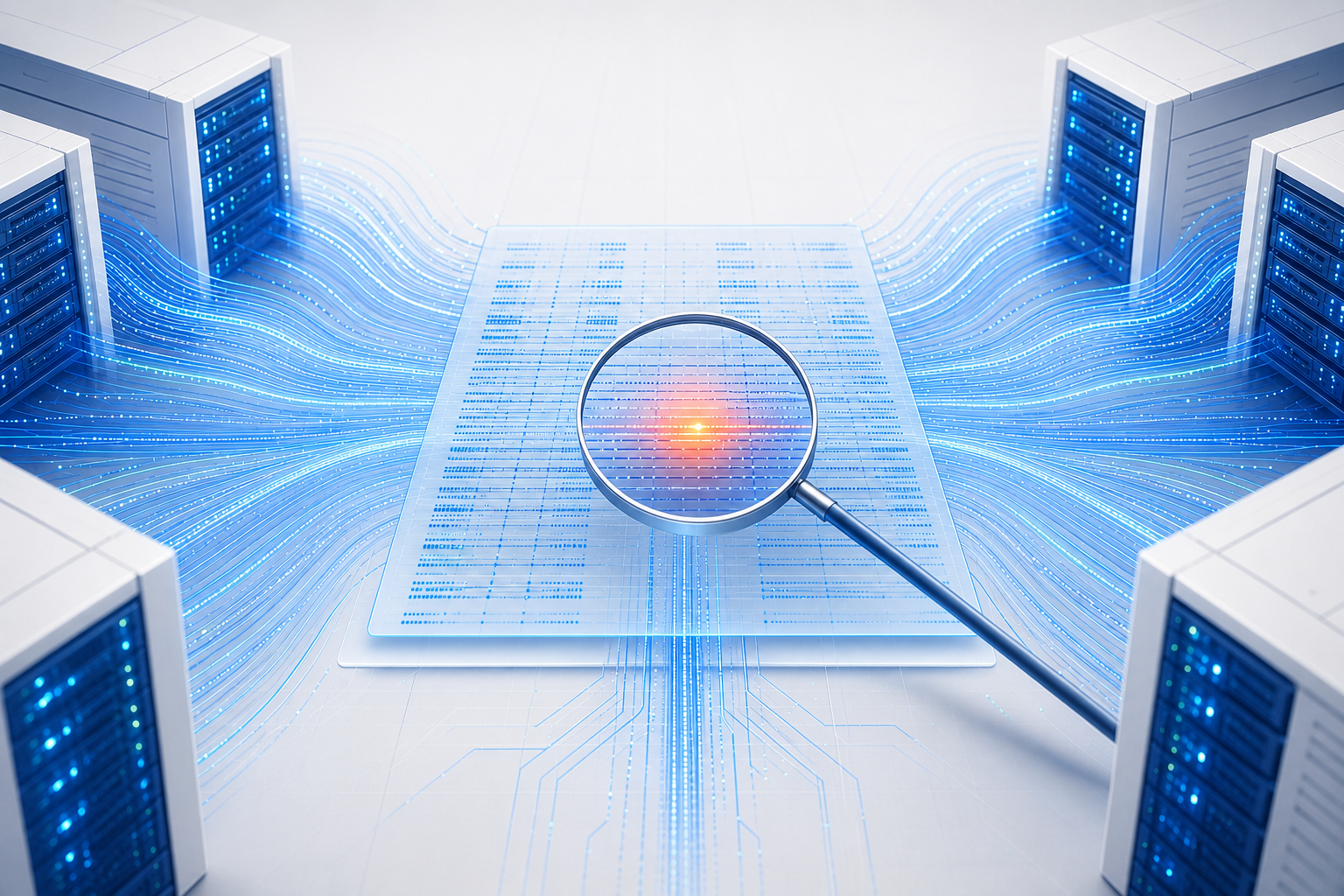
It's 9:40 on a Tuesday morning. A customer emails: "checkout has been failing since about 9am." Nothing is on fire — no page, no red dashboard, no alarm. The site loads fine when you try it.
So begins the ritual. Someone connects to the first server and scrolls through a text file. Then the second server. Then someone remembers the payment service writes its notes somewhere else entirely. Forty minutes later you find it: one line, buried among fifty thousand others, timestamped 08:58.
The information was there the whole time. It was there before the customer noticed. Nobody was reading it, because reading it is nobody's full-time job.
That gap — between the answer exists and someone found the answer — is what this project is about.
Every server keeps a diary#
Every piece of software running on your infrastructure writes down what it's doing. Web servers note every visitor. Applications note every error. The operating system notes when something crashes or restarts.
These notes are called logs. They are enormously useful and almost universally ignored, for three very human reasons:
- There's too much of it. A modest setup produces tens of thousands of lines a day. Most of it is "everything is fine," repeated forever.
- It's scattered. Each server keeps its own diary, in its own folder, in its own format. Answering one question means visiting five places.
- Reading it is a skill. Knowing which file to open, and what "connection pool exhausted" implies, lives in the heads of two or three people on your team. When they're on holiday, that knowledge is on holiday too.
The usual fix is to buy a monitoring platform. That solves the scattering problem, and replaces it with a bill, a vendor relationship, and a dashboard nobody has time to learn. You end up with beautiful charts that still require an expert to interpret.
A different fix: let people ask questions#
The premise here is simpler. Collect all the diaries in one place, then put a conversational assistant in front of them — one that reads faster than any human and never gets bored.
Instead of learning a query language, you type:
And you get back something like:
That's not magic. Every fact in that answer came from lines the servers wrote themselves. The assistant's contribution was reading fifty thousand of them in three seconds and noticing which twelve mattered.
The four moving parts#
Described without jargon, the system has four pieces:
1. A collector on each server. A tiny program sits on every machine and forwards its diary entries onward as they're written. It's deliberately small — the point is to be invisible to the applications actually doing your business's work.
2. A central library. All those entries land in one place, organized so they can be searched instantly. Choosing a lightweight option here matters more than it sounds: it's the difference between the system running on a spare machine you already own versus needing dedicated hardware.
3. The assistant. This is the AI part. It's given a written description of your specific setup — which servers exist, what runs on them, what they're for — and a small set of abilities: search the library, summarize errors, spot spikes, trace a single request across services. When you ask a question, it decides which of those to use and in what order, then explains what it found.
4. A chat window. Because the entire point is that you shouldn't need to learn anything to use it.
Alongside the conversation, there are conventional dashboards and automatic alerts — charts for the people who like charts, and a message to your phone when something crosses a line you've defined. The chat is for the questions you didn't anticipate. The alerts are for the ones you did.
The rule that shapes everything: it can only read#
This is the design decision the whole project hangs on, so it's worth stating plainly.
The assistant cannot change anything. It cannot restart a service. It cannot edit a configuration file. It cannot run commands on your servers. It cannot delete data. Not "it's configured not to" — those abilities were never built. There is no setting to enable them.
This is unfashionable. The industry is enthusiastic about AI that takes action, that fixes problems while you sleep. That's a real and interesting direction, and it is not this.
The reasoning is about trust. An assistant that only reads can be wrong, and the cost of it being wrong is that you spend ten minutes checking a wrong theory. An assistant that acts can be wrong at 3am, on production, in a way you discover from customers. The first kind you can deploy on a client's infrastructure this week. The second requires a conversation nobody's ready to have yet.
So: the AI investigates and explains. A human decides and acts. That boundary makes the thing deployable, and being deployable is the only way it delivers value at all.
What it costs#
Close to nothing, which was a design constraint rather than a happy accident.
Every component is open-source and free. The AI runs on the free tiers that several providers offer, which are generous enough for the handful of investigations a normal week produces. The whole thing is sized to run on a modest machine — the kind of spare server most organizations already have sitting in a rack, not something you need to buy.
The one real cost is the afternoon it takes to set up.
There's a genuine trade-off worth naming: when the assistant answers a question, the relevant log excerpts are sent to an AI provider outside your building. For most systems that's unremarkable. For regulated data, it isn't, and the honest answer is that you should know this before you deploy, not after. The setup can be pointed at a model you host yourself, at the cost of needing hardware to run it on.
Where it helps, and where it doesn't#
It's good at: the first twenty minutes of an investigation. Narrowing "something's wrong" down to "look at this service, in this window, for this reason." Answering the questions a junior engineer would need to interrupt a senior one to answer. Institutional memory that doesn't take holidays.
It's not good at: deciding. It will confidently propose a theory that's wrong roughly as often as a competent human working from the same evidence would — which is to say, sometimes. It reads what was written down; if your application doesn't log the thing that broke, no amount of intelligence recovers it. And it won't tell you whether to fail over, roll back, or wait.
That's a smaller claim than "AI operations platform." It's also true, which matters more.
The uncomfortable prerequisite#
Here's the part most write-ups skip.
The quality of the answers depends entirely on the quality of what your applications write down. If your services log nothing but "Error", the assistant will faithfully report that a lot of "Error" happened. If they log the request, the user, the reason, and the timing, you get answers that read like a colleague explaining what went wrong.
Deploying this tends to surface exactly how good your logging really is. That's uncomfortable and also, arguably, the most valuable thing it does in the first month.
For the engineers#
Everything above is the why. The how — architecture, configuration, and the reasoning behind each component choice — lives in the repository:
→ github.com/ahmad-knowledge-based/aiops-onpremise
| If you want to know… | Start here |
|---|---|
| Architecture, stack choices, and the reasoning behind each | README.md — "Architecture at a glance" |
| Getting it running end to end | README.md — central host first, then edge hosts |
| What the AI can actually do, and how it's constrained | agent/ — the tools and the templated system prompt |
| How each server is described to the assistant | stack.example.yaml — one file drives the inventory |
| Log collection and normalization per stack type | vector/conf.d/ — one template per runtime |
| Dashboards, alert rules, and notification routing | grafana/, vmalert/, alertmanager/ |
| Verifying a deployment is actually healthy | scripts/qa-check.sh and docs/qa-testing.md |
Short version of the stack for those who just want the names: Vector for collection, VictoriaLogs and VictoriaMetrics for storage, LangChain for the agent, Streamlit for the interface, Grafana for dashboards, Alertmanager for notifications. Docker Compose on one central host; lightweight system services on everything else.
Written for teams running their own infrastructure who suspect their logs already contain the answer, and are tired of going to find it by hand.