Deploying Node.js Applications with Ansible, NVM, PM2, Nginx, and Let's Encrypt
Learn how to deploy Node.js and Vite applications with Ansible using NVM, PM2, Nginx, and Let’s Encrypt. This guide walks through a practical role-based deployment workflow for provisioning servers, managing Node.js versions, handling private GitHub repositories, configuring PM2 processes, serving static Vite builds, and automating TLS certificates with Certbot.
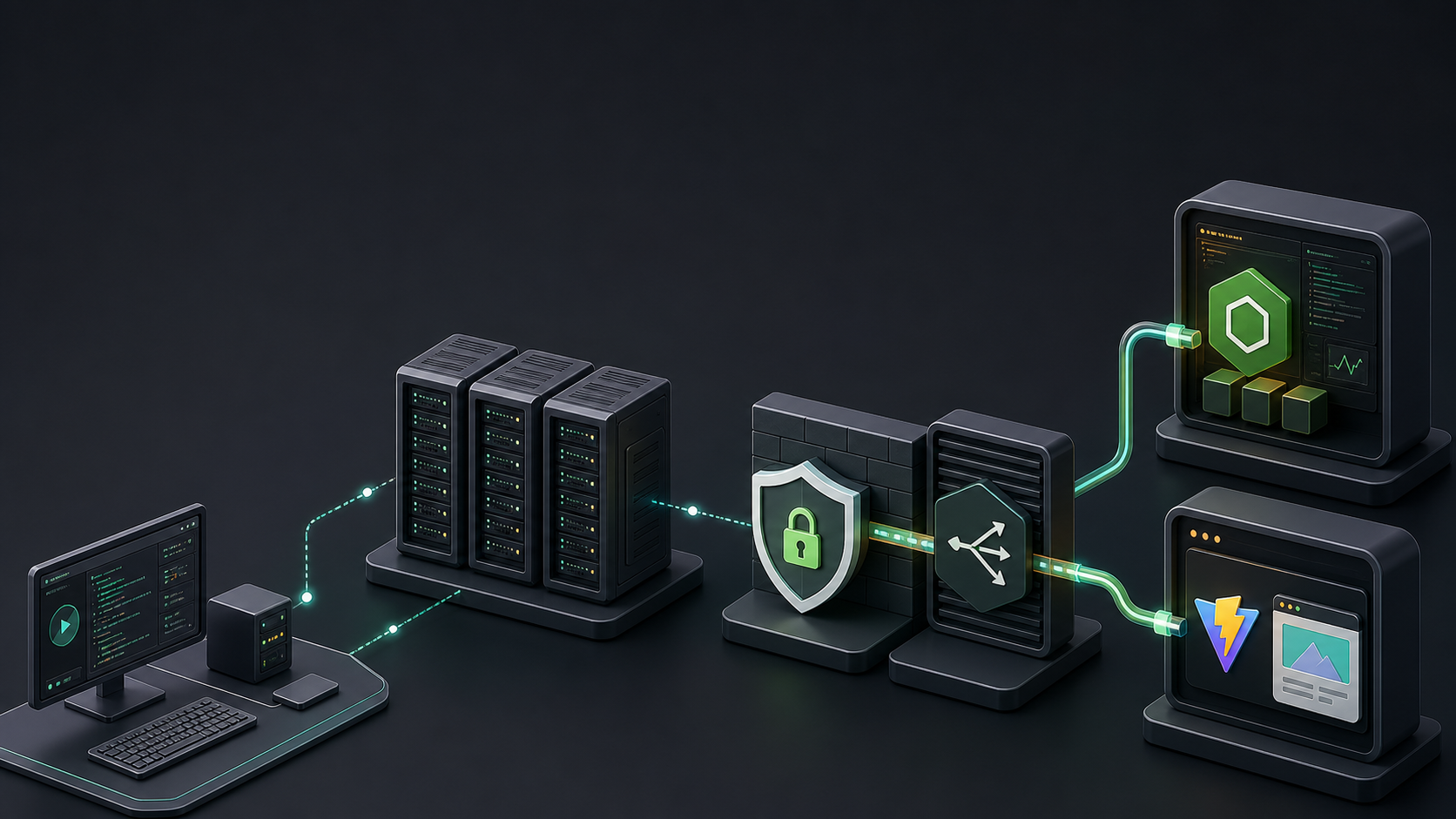
Deploying a Node.js application is rarely just one task. A practical deployment has to prepare the server, install a predictable runtime, fetch private code, manage long-running processes, configure Nginx, handle TLS, and leave enough structure behind that the next deployment is boring.
This repository captures that workflow as an Ansible project. Its main playbook provisions a server and deploys two common kinds of frontend and backend workloads:
- PM2-backed Node.js applications, defined in
apps - Static Vite applications, defined in
vite_apps
Public repository: ahmad-knowledge-based/nodejs-appdeploy-ansible
The result is a deployment workspace that keeps infrastructure setup, application rollout, process management, and web-server configuration separated while still letting operators run the whole flow with one playbook.
The Big Picture#
The primary entry point is playbooks/site.yml. It runs against the configured inventory and applies roles in a deliberate order:
base_usernodejspm2nginxletsencryptapp_deployfor each item inappsvite_app_deployfor each item invite_apps
That ordering matters. The deployment user must exist before NVM can be installed in that user's home directory. Node.js must exist before PM2 can be installed. Nginx must exist before either temporary Let's Encrypt challenge vhosts or final application vhosts can be managed. Only after those foundations are in place does the playbook clone application repositories and render app-specific configuration.
The design is intentionally role-based. Each role owns one slice of the deployment rather than allowing a single monolithic playbook to accumulate every responsibility.
Inventory as the Deployment Contract#
The inventory under inventories/deploy/ defines both targets and application intent.
Shared configuration lives in inventories/deploy/group_vars/all.yml. This file contains the cross-environment defaults that should not be copied into every role or every app definition:
- deployment user and home directory
- GitHub username and token behavior
- NVM version
- Node.js install manifest
- default Node.js version
- shared Nginx proxy buffer settings
- Let's Encrypt email and staging mode
Environment-specific application definitions live in group_vars/dev.yml and group_vars/prod.yml. This split keeps shared machinery in one place while allowing each environment to point at different branches, domains, app directories, and vault-backed environment files.
For PM2-backed apps, each apps item describes the domain, port, repository, branch, destination directory, environment file, install/build behavior, and PM2 mode. For static Vite apps, each vite_apps item describes similar repository and build information, but adds a static_root that Nginx will serve directly.
This gives the project a simple mental model: roles describe how deployment works, and inventory describes what should be deployed.
Provisioning the Base Server#
The base_user role creates the deployment user and its home directory. This is small but important. Most later tasks run as the deployment user, not as root, especially tasks that install Node.js through NVM or operate on application repositories.
The role also installs acl, which is required for Ansible operations that combine privilege escalation with become_user. Without it, seemingly normal file or shell tasks can fail because Ansible cannot manage temporary files correctly for the target user.
Installing Node.js with NVM#
The nodejs role installs the operating-system packages needed by NVM, installs NVM itself, and then installs every Node.js version listed in node_versions.
One useful guardrail in this repository is the Node version assertion near the beginning of the role. The project treats node_versions as the install manifest and node_default_version plus per-app node_version values as selectors. If an app selects a Node.js version that is not present in node_versions, the playbook fails early with a clear message.
That is much better than discovering the mismatch halfway through a deploy when nvm use cannot find the requested runtime.
The role also updates the deployment user's .bashrc with the standard NVM bootstrap block. Shell tasks that need Node.js still explicitly load NVM, which keeps non-interactive Ansible runs predictable.
PM2 as the Process Layer#
The pm2 role installs PM2 globally with the NVM-managed npm for the default Node.js version. It then creates and enables a systemd unit for the deployment user.
Application processes are not started in the base pm2 role. That responsibility belongs to app_deploy, because only the app deployment role knows which application is being deployed, what directory it lives in, and whether it should run through an ecosystem file or a direct script command.
This split keeps PM2 installation separate from PM2 application state.
Nginx: Base Setup Versus App Vhosts#
The nginx role installs Nginx and writes shared include configuration such as proxy buffer tuning. It does not own final application vhosts.
That is a deliberate boundary. Final PM2 reverse-proxy vhosts are rendered by app_deploy, and static Vite vhosts are rendered by vite_app_deploy. This prevents the base Nginx role from needing to understand every application shape in the inventory.
The active vhost templates are split by app type and protocol:
roles/app_deploy/templates/vhost.conf-http.j2roles/app_deploy/templates/vhost.conf-https.j2roles/vite_app_deploy/templates/vhost.conf-http.j2roles/vite_app_deploy/templates/vhost.conf-https.j2
If an application defines both ssl_fullchain and ssl_privkey, the HTTPS template is used. Otherwise, the HTTP template is used.
Let's Encrypt as a Dedicated Role#
TLS automation is handled by the letsencrypt role. It installs Certbot packages, creates a challenge webroot, and manages certificates per domain.
The domain list is automatically extracted from the domain fields of apps and vite_apps. That means the operator does not need to maintain a separate certificate domain list for ordinary deployments.
For each missing certificate, the role renders a temporary Nginx vhost for ACME validation, reloads Nginx, runs certbot certonly --nginx, then removes the temporary vhost and reloads Nginx again. Final app-facing HTTPS vhosts are still rendered later by the app deploy roles.
This avoids a common ownership problem: Certbot can issue certificates, but it does not become the long-term owner of the application's final Nginx site configuration.
Deploying PM2-Backed Applications#
The app_deploy role handles backend or SSR-style Node.js applications.
Its flow is:
- Build an authenticated HTTPS repository URL from the configured GitHub username and vault-backed token.
- Ensure the parent application directory exists.
- Clone or update the repository as the deployment user.
- Optionally reset
originback to the clean repository URL. - Copy the app's
.envfile from the local vault path. - Install dependencies.
- Build the app when configured.
- Start or recreate the PM2 process.
- Save the PM2 process list.
- Render and enable the Nginx vhost.
Secret-bearing tasks are marked with no_log: true, which is critical because authenticated clone URLs and environment files should never be printed in Ansible output.
The role supports two PM2 modes. In ecosystem mode, it runs pm2 startOrRestart ecosystem.config.cjs. In script mode, it tears down any existing process with the configured app name and starts the provided script directly.
Each app can also override the Node.js version with node_version, as long as that version appears in the shared node_versions install manifest.
Deploying Static Vite Applications#
The vite_app_deploy role follows a similar Git and build flow, but its runtime model is different. Instead of starting a PM2 process, it builds the Vite project and renders an Nginx static-site vhost pointing at static_root.
This is a useful separation because static frontend deployments should not inherit process-manager concerns from backend applications. They need repository checkout, dependency installation, a build step, and Nginx static hosting.
The Vite role also supports optional .env deployment, per-app install commands, per-app Node.js versions, and HTTP or HTTPS vhost rendering.
Git Authentication and Secret Handling#
Private repository access is handled through authenticated HTTPS URLs built from:
github_usernamegithub_token
The token is loaded from vault/github_token.yml, which is ignored by git and expected to be encrypted with Ansible Vault in real usage.
The clone strategy is explicit:
- clone or update using the authenticated URL
- keep that authenticated remote only when
github_persist_auth_in_remoteis true - otherwise reset
originback to the clean repository URL
This gives operators a conscious tradeoff. Keeping the authenticated remote can simplify future pulls on the target host, but it also leaves a token-bearing URL in the remote repository configuration. Resetting the remote reduces that exposure but requires the playbook's auth path for future updates.
Tags Make Deployment Incremental#
The playbook exposes tags for full workflows and smaller deployment phases.
For prerequisites, use:
ansible-playbook -i inventories/deploy/hosts.ini playbooks/site.yml --tags prereq --limit "prod:dev"For certificate issuance, use:
ansible-playbook -i inventories/deploy/hosts.ini playbooks/site.yml --tags letsencrypt --limit prodFor a full PM2 app deployment, use:
ansible-playbook -i inventories/deploy/hosts.ini playbooks/site.yml --tags deploy --limit devFor a full Vite deployment, use:
ansible-playbook -i inventories/deploy/hosts.ini playbooks/site.yml --tags vite_deploy --limit devThe project also supports sub-phase tags such as app_code, app_pm2, app_nginx, vite_code, and vite_nginx. These are useful when you want to rebuild code without touching Nginx, recreate a PM2 process without cloning, or refresh only a vhost.
One important operational detail: use positive tag selection for those sub-phases. Avoid using --skip-tags to omit sub-phases from looped deploy roles, because the include task itself carries the sub-phase tags. Skipping one of those tags can skip the entire include instead of only the intended task group.
Validation and Operational Discipline#
The repository is designed for lightweight verification before real deployment. Useful checks include:
ansible-playbook -i inventories/deploy/hosts.ini playbooks/site.yml --syntax-checkansible-playbook -i inventories/deploy/hosts.ini playbooks/site.yml --checkIn practice, local checks may depend on the configured vault password file in ansible.cfg. If the vault password file is missing, Ansible syntax or dry-run commands can fail before reaching the playbook logic. That is not a deployment design failure; it simply means the local operator environment needs the expected vault setup.
Why This Structure Works#
The strongest part of this project is its ownership model.
The base roles prepare reusable server capabilities. The deployment roles own final application state. Inventory describes environment-specific apps. Vault files hold secrets. Tags expose practical deployment slices without turning the playbook into a maze of one-off commands.
There are still realistic sharp edges. Some deploy tasks intentionally report changed status even when the underlying operation may be idempotent. Git checkout uses force: true, which is convenient for deployment but can be destructive to unexpected local changes on the target host. And when github_persist_auth_in_remote is enabled, authenticated URLs can remain in server-side Git config.
Those tradeoffs are visible, documented, and configurable enough for an operator to reason about them.
Closing Thoughts#
This repository is a good example of a pragmatic Ansible deployment workspace. It does not try to hide the moving parts of a Node.js deployment. Instead, it gives each moving part a clear home:
- NVM owns Node.js runtime installation.
- PM2 owns process supervision.
- Nginx owns base web-server capability.
- Let's Encrypt owns certificate issuance.
- App deploy roles own final application checkout, build, runtime, and vhost state.
- Inventory owns the shape of each environment.
That division makes the deployment flow easier to read, easier to operate, and easier to evolve when a new app type or environment comes along.